
How many capsules should go in a bottle, and how do you count them?
Updated
On this page8
Choose the count from the serving size you set and the number of servings you want each bottle to hold, then pick the bottle that holds that count with only the headspace the closure, seal and any desiccant need. Count by hand on a counting tray for small runs, or by weight once you know your average unit weight, and check counts during every run. Leave out empty space that serves no purpose: FDA's misleading container rule treats a container with nonfunctional slack fill as misleading. This page gives the count arithmetic, the counting methods, the slack fill rule and the record.
Step 1: work out the count
The count is arithmetic on two figures you choose: units per serving and servings per container. This page recommends neither. The values below are example inputs, not recommendations.
| Example | Units per serving | Servings per container | Count per bottle |
|---|---|---|---|
| A | 2 capsules | 30 | 60 |
| B | 1 tablet | 90 | 90 |
| C | 3 capsules | 40 | 120 |
The servings and dosing calculator does the same arithmetic from your own inputs, along with servings per bottle for the Supplement Facts panel. The count statement on the label, and where it goes, is on net quantity for capsules and tablets.
Count also decides two other things. It can decide whether an iron product needs child-resistant packaging, because that rule counts iron per package; see child-resistant closures and iron. And it sets your cost per bottle and price; see pricing a bottle.
Step 2: choose a bottle that fits the count
Fill a sample bottle with the count and look at what is left. You want room for the closure liner, the induction seal and any desiccant or cotton, and room for units to settle without being crushed when the cap goes on. You do not want a bottle half full of air. Bottle options by use are on choosing a bottle.
Do this with your real product. Capsule size, tablet shape and how units settle all change how much space a count takes.
Step 3: count
| Method | How it works | Fits | Watch for |
|---|---|---|---|
| Counting tray | Units spread on a tray with a trough; a spatula moves them in small groups into the trough, which pours into the bottle | Small runs by hand | Counting errors when tired; dust and broken units on the tray |
| Perforated counting plate | A plate with holes for one capsule each, filled by sweeping, then tipped into the bottle | Capsules in fixed counts | Plate must match capsule size; check for empty holes |
| Weigh counting | Weigh the filled bottle contents and divide by the average unit weight | Larger runs with consistent unit weight | Only as good as the unit weight; capsule and tablet weights vary |
| Electronic counter | Units fall past a sensor that counts them | Growing operations | Calibration, dust on sensors, broken units counted as whole |
Weigh counting, worked. Use the average unit weight from your in-process weight checks (see fill weight checks during a batch). The figures here are example inputs. If 20 capsules weigh 13.40 g, the average is 0.670 g per capsule. For a count of 60, the target is 60 × 0.670 = 40.2 g. Because individual capsules vary, a bottle that weighs 40.2 g could hold 59 or 61. Use weighing to fill quickly, and confirm counts on a sample of bottles by hand.
Weigh counting works best when unit weights are tight. If your weight checks show a wide spread, count by hand or by counter.
Step 4: check counts during the run
- At the start of the run, hand-count the first bottles.
- At set intervals (for example, every 50 bottles, or at the start, middle and end of a short run), pull a bottle, empty it, count it and record the result.
- If a bottle is short or over, check the bottles filled since the last good check.
- At the end, reconcile: units available at the start, units bottled, units rejected and units left over. A large gap means miscounted bottles or lost product.
Record the checks and the reconciliation in the batch production record; what goes in it is on the batch production record.
Headspace and the misleading container rule
FDA's rule on misleading containers, 21 CFR 100.100, implements section 403(d) of the Act: a food is misbranded if its container is "so made, formed, or filled as to be misleading" [1]. Slack fill is "the difference between the actual capacity of a container and the volume of product contained therein" [1]. A container that does not let the buyer fully see its contents is considered misleading if it holds nonfunctional slack fill, meaning empty space for reasons other than those the rule lists [1]. Space is functional when it is needed for:
- protection of the contents;
- the requirements of the machines that close the package;
- unavoidable settling during shipping and handling;
- a function inherent to using the product that is clearly communicated to the buyer;
- a reusable or valuable container that is part of the presentation; or
- a minimum package size, for example to fit required labeling, to deter pilfering, to ease handling, or to accommodate tamper-resistant devices [1].
The regulation's text speaks of food. No FDA statement read for this page applies 100.100 to a dietary supplement by name. Supplement labels are judged under the same section 403 of the Act that this rule implements; FDA has cited section 403(y) against a supplement firm, for example [2]. Treat the rule as applying to your bottles and confirm with FDA if a question arises.
For an opaque bottle of capsules, the practical rule is plain: choose the smallest bottle that fits the count, the seal and any desiccant, and be ready to explain any space left as one of the six functions above.
The record for each run
| Record | What it shows |
|---|---|
| Count per bottle in the master manufacturing record | The count the label states |
| Bottle, closure, seal and desiccant specification | The system you chose to fit the count |
| Start, interval and end count checks | Bottles held what the label says |
| Reconciliation of units | No units unaccounted for |
| Any rejected or recounted bottles | What went wrong and what you did |
The label that states the count
Under 21 CFR 101.7 (formerly 101.105), the principal display panel must declare the net quantity of contents, which may be a numerical count, and the declaration goes "within the bottom 30 percent of the area of the label panel" [3]. The type sizes, the small-panel cases and worked examples are on net quantity for capsules and tablets.
Top picks
Top containers for capsules and tablets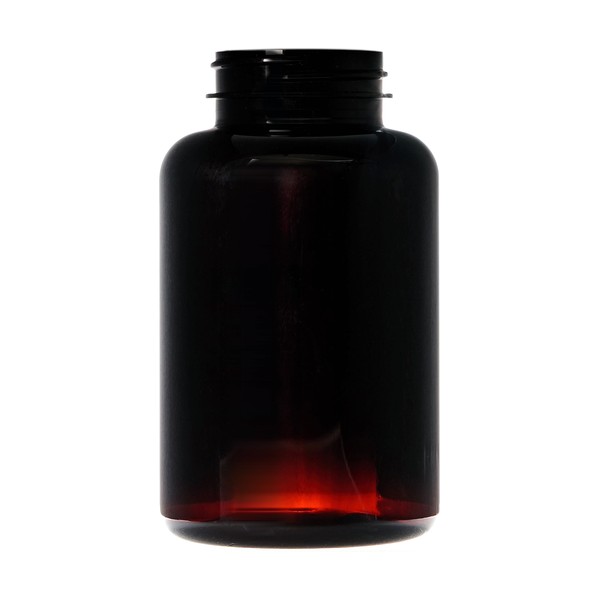 300 cc · 45-400 · PET · Amber
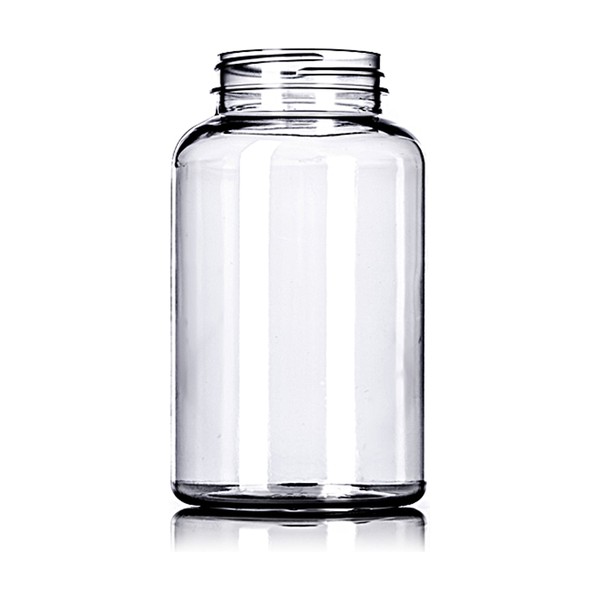 500 cc · 53-400 · PET
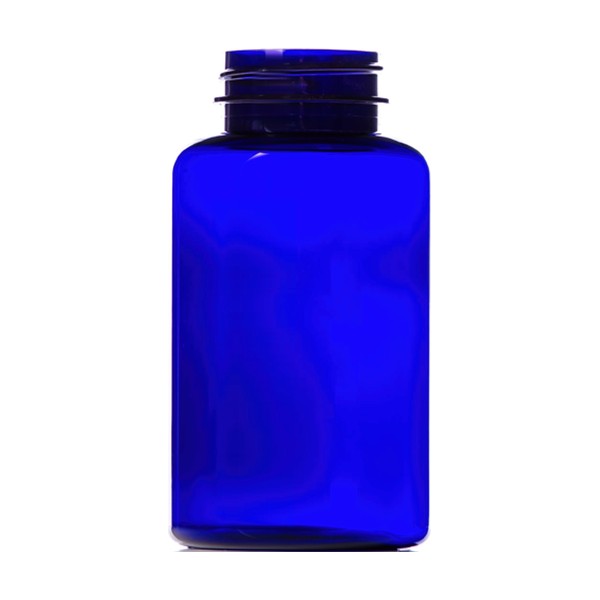 200 cc · 38-400 · PET
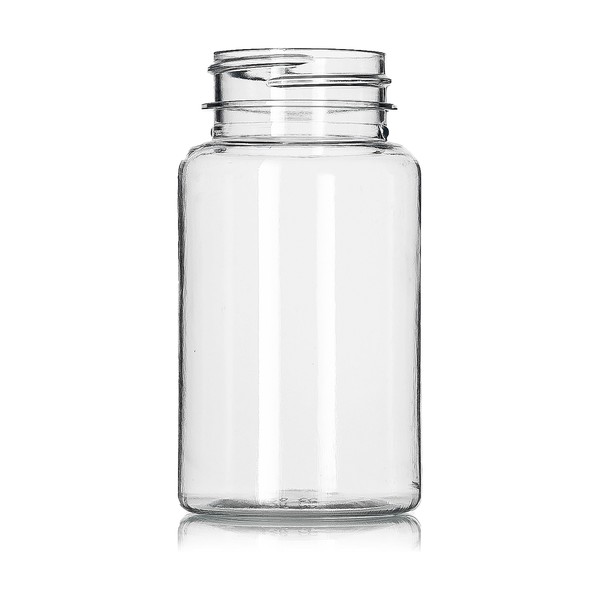 120 cc · 38-400 · PET · Clear
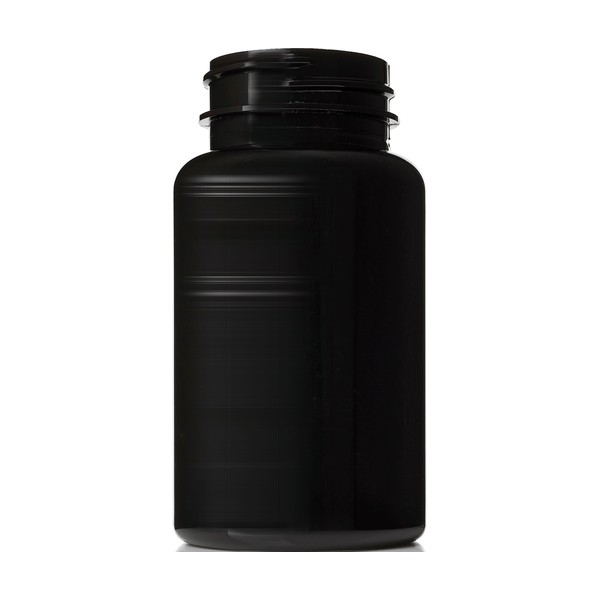 120 cc · 38-400 · PET · Amber
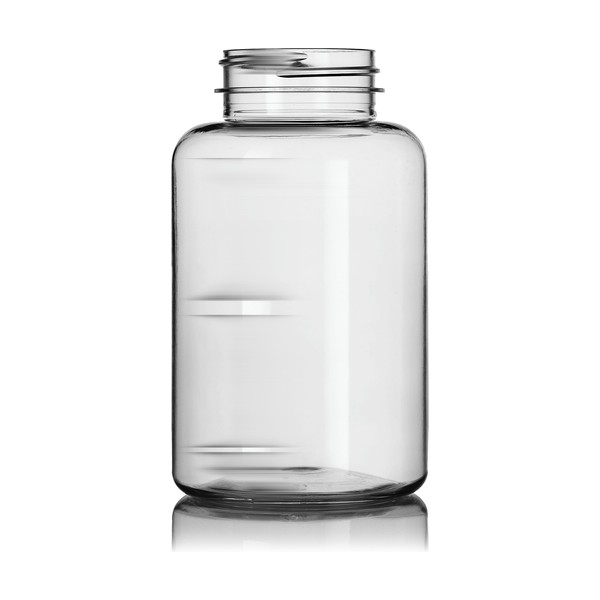 300 cc · 45-400 · PET · Clear
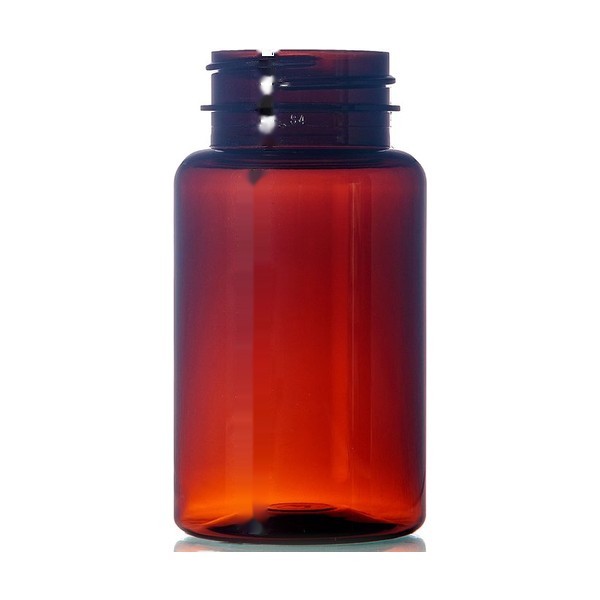 120 cc · 38-400 · PET · Amber
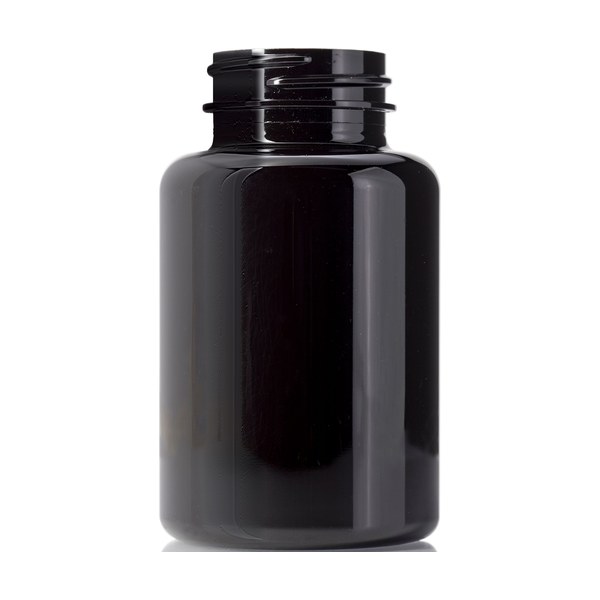 175 cc · 38-400 · PET
References
- Legal Information Institute, Cornell Law School, 21 CFR 100.100, Misleading containers, read November 19, 2026. https://www.law.cornell.edu/cfr/text/21/100.100
- U.S. Food and Drug Administration, Warning Letter to Nature's Vision, Inc., May 1, 2017, read November 19, 2026. https://www.fda.gov/inspections-compliance-enforcement-and-criminal-investigations/warning-letters/natures-vision-inc-510903-05012017
- Legal Information Institute, Cornell Law School, 21 CFR 101.7, Declaration of net quantity of contents (redesignated at 81 FR 59131, Aug. 29, 2016), paragraphs (a) and (f), read November 19, 2026. https://www.law.cornell.edu/cfr/text/21/101.7