
What should I record for each batch?
Updated
Record, for every batch: the date and a lot code, each ingredient with its supplier and lot, the weights and volumes, every reading your process depends on (Brix, pH with the meter's calibration, temperatures, fermentation days, carbonation, alcohol results), the kill step if you use one, the bottles filled, storage temperature checks, and where every bottle went. The log below holds those fields, in sections you skip when they do not apply. It builds the lot code, works out your yield, and checks that every bottle is accounted for. Where a rule asks for a record, the field follows the rule; the federal juice rule wants actual values written when observed, with date, time and initials.
What makes a record count
The federal Juice HACCP rule lists what every record must carry, and it is a good standard for any drink: the processor's name and location, "the date and time of the activity," "the signature or initials of the person," the product and production code where appropriate, and entries "made when observed" with actual values [1]. A tick beside "pH OK" leaves out the value the rule asks for. A usable entry reads like this made-up example: "pH 3.42 at 2:15 p.m., meter calibrated 1:50 p.m., JD". Florida's kombucha guidance adds two expectations a drink maker in any state can meet: a "lot identification code system" that tracks each lot, and written "calibration of applicable instruments" [2]. FDA's recall guidance asks for coding that allows "positive lot identification" [3].
Which records your rule requires, and for how long, is on records, lot codes and recalls. Juice processors keep theirs as set out on writing a Juice HACCP plan.
The log
Copy or print one sheet per batch. Fields in brackets are yours; fields marked auto are filled by the log.
1. Batch
| Field | Entry |
|---|---|
| Business name and location | [ ] |
| Drink and recipe version | [ ] |
| Product code (2 to 4 letters or digits, e.g., GJ) | [ ] |
| Bottling date | [ ] |
| Batch that day | [A, B, C ...] |
| Lot code | [auto, e.g., GJ-261120-B] |
| Made by (initials) | [ ] |
2. Ingredients
| Ingredient | Supplier | Supplier's lot or code | Amount used (g or mL) | Spec value (e.g., concentrate Brix) |
|---|---|---|---|---|
| [ ] | [ ] | [ ] | [ ] | [ ] |
| [ ] | [ ] | [ ] | [ ] | [ ] |
| [ ] | [ ] | [ ] | [ ] | [ ] |
| [ ] | [ ] | [ ] | [ ] | [ ] |
For juice bought in as an ingredient, keep the supplier's lot and its specification sheet; the rule on juice as an ingredient is on drinks with some juice in them.
3. Juice and pressing (skip for drinks without fresh juice)
| Field | Entry |
|---|---|
| Produce washed and culled (time, initials) | [ ] |
| Produce weight into the press (kg) | [ ] |
| Juice out (mL) | [ ] |
| Yield | [auto, mL per kg] |
| Press cleaned and sanitized after (time, sanitizer, initials) | [ ] |
Washing, culling and sanitizer use are on preparing produce for juice and cleaning and sanitizing.
4. Readings
| Reading | Time | Value | Instrument and calibration (time, buffers or standard used) | Initials |
|---|---|---|---|---|
| Brix | [ ] | [ ] | [ ] | [ ] |
| pH | [ ] | [ ] | [ ] | [ ] |
| pH (second reading or after adjustment) | [ ] | [ ] | [ ] | [ ] |
| Product temperature | [ ] | [ ] | [ ] | [ ] |
Calibrate the pH meter on the day you use it and write down the buffers and the result. What pH numbers mean for drinks is on pH and water activity; kombucha's published pH limits, each with its owner, are on kombucha pH.
5. Kill step (skip if none)
| Field | Entry |
|---|---|
| Method (pasteurizing, hot-fill, HPP, UV) | [ ] |
| Critical limit from your validated process | [ ] |
| Actual values (temperature and time, pressure and hold, or dose) with clock times | [ ] |
| Within limit? If not, corrective action taken | [ ] |
| Initials | [ ] |
The limits come from your own validated process, never from this log; see validating a kill step.
6. Fermentation (kombucha and other ferments; skip otherwise)
| Field | Entry |
|---|---|
| Starter liquid used (volume, from which lot) | [ ] |
| Start date and time | [ ] |
| Room or vessel temperature (each check: date, time, value, initials) | [ ] |
| pH at start / at end of first fermentation | [ ] |
| End date of first fermentation | [ ] |
| Fermentation days | [auto] |
| Second fermentation: sugar or juice added (g or mL), start and end | [ ] |
| Mold, kahm yeast or other observations | [ ] |
What a culture should and should not look like is on is it SCOBY or mold?.
7. Carbonation (skip if still)
| Field | Entry |
|---|---|
| Method (forced or natural) | [ ] |
| Liquid temperature | [ ] |
| CO2 pressure and time (forced) | [ ] |
| Target and measured volumes of CO2, if measured | [ ] |
| Bottle and closure used, with supplier's pressure rating | [ ] |
Published pressures for each carbonation level are on the carbonation and pressure chart.
8. Alcohol test (kombucha and other ferments)
| Field | Entry |
|---|---|
| Sample date and point (before bottling, at end of shelf life) | [ ] |
| Method or lab | [ ] |
| Result (% ABV) | [ ] |
| Report kept where | [ ] |
Which methods TTB accepts, and lab fees, are on testing kombucha for alcohol.
9. Bottling
| Field | Entry |
|---|---|
| Liquid bottled (mL) | [ ] |
| Fill volume per bottle (mL) | [ ] |
| Bottles filled | [ ] |
| Expected bottles from the liquid | [auto] |
| Best-by or use-by date printed | [ ] |
| Bottles and caps inspected and sanitized (time, initials) | [ ] |
The date comes from your own shelf-life study, not from this log.
10. Storage temperature checks
| Date and time | Where (refrigerator, walk-in, cooler, vehicle) | Reading | Action if out of range | Initials |
|---|---|---|---|---|
| [ ] | [ ] | [ ] | [ ] | [ ] |
| [ ] | [ ] | [ ] | [ ] | [ ] |
Use the number in the rule that governs you; the two cold-holding numbers in drink rules, and whose each is, are on keeping drinks cold.
11. Where it went
| Date | Sold or delivered to (market, customer, account) | Bottles |
|---|---|---|
| [ ] | [ ] | [ ] |
| [ ] | [ ] | [ ] |
| Samples and tastings | [ ] | |
| Poured out or destroyed (reason) | [ ] | |
| Still on hand | [ ] | |
| Accounted for | [auto] | |
| Unaccounted | [auto] |
12. Review
| Field | Entry |
|---|---|
| Records reviewed by (initials) and date | [ ] |
| Problems found and what was done | [ ] |
A juice processor's trained person reviews monitoring and corrective action records within a week [1].
When the log is full
File each sheet by lot code and keep it for the period your rule sets, or 2 years if no rule sets one. Once a season, use the log to run a mock recall as on records, lot codes and recalls, and carry the real yields and unsold counts into the cost per bottle calculator.
1. Batch
| Field | Entry |
|---|---|
| Business name and location | |
| Drink and recipe version | |
| Product code (2 to 4 letters or digits, e.g., GJ) | |
| Bottling date | |
| Batch that day | |
| Lot code | |
| Made by (initials) |
2. Ingredients
| Ingredient | Supplier | Supplier's lot or code | Amount used (g or mL) | Spec value (e.g., concentrate Brix) |
|---|---|---|---|---|
3. Juice and pressing
| Field | Entry |
|---|---|
| Produce washed and culled (time, initials) | |
| Produce weight into the press (kg) | |
| Juice out (mL) | |
| Yield | |
| Press cleaned and sanitized after (time, sanitizer, initials) |
4. Readings
| Reading | Time | Value | Instrument and calibration (time, buffers or standard used) | Initials |
|---|---|---|---|---|
| Brix | ||||
| pH | ||||
| pH (second reading or after adjustment) | ||||
| Product temperature |
5. Kill step
| Field | Entry |
|---|---|
| Method (pasteurizing, hot-fill, HPP, UV) | |
| Critical limit from your validated process | |
| Actual values (temperature and time, pressure and hold, or dose) with clock times | |
| Within limit? If not, corrective action taken | |
| Initials |
6. Fermentation
| Field | Entry |
|---|---|
| Starter liquid used (volume, from which lot) | |
| Start date and time | |
| Room or vessel temperature (each check: date, time, value, initials) | |
| pH at start / at end of first fermentation | |
| End date of first fermentation | |
| Fermentation days | |
| Second fermentation: sugar or juice added (g or mL), start and end | |
| Mold, kahm yeast or other observations |
7. Carbonation
| Field | Entry |
|---|---|
| Method (forced or natural) | |
| Liquid temperature | |
| CO2 pressure and time (forced) | |
| Target and measured volumes of CO2, if measured | |
| Bottle and closure used, with supplier's pressure rating |
8. Alcohol test
| Field | Entry |
|---|---|
| Sample date and point (before bottling, at end of shelf life) | |
| Method or lab | |
| Result (% ABV) | |
| Report kept where |
9. Bottling
| Field | Entry |
|---|---|
| Liquid bottled (mL) | |
| Fill volume per bottle (mL) | |
| Bottles filled | |
| Expected bottles from the liquid | |
| Best-by or use-by date printed | |
| Bottles and caps inspected and sanitized (time, initials) |
10. Storage temperature checks
| Date and time | Where (refrigerator, walk-in, cooler, vehicle) | Reading | Action if out of range | Initials |
|---|---|---|---|---|
11. Where it went
| Date | Sold or delivered to (market, customer, account) | Bottles |
|---|---|---|
| Samples and tastings | ||
| Poured out or destroyed (reason) | ||
| Still on hand | ||
| Accounted for | ||
| Unaccounted |
12. Review
| Field | Entry |
|---|---|
| Records reviewed by (initials) and date | |
| Problems found and what was done |
What records should I keep, and how would I recall a batch?What does each bottle cost me, and what is my break-even?
Top picks
Top containers for beverages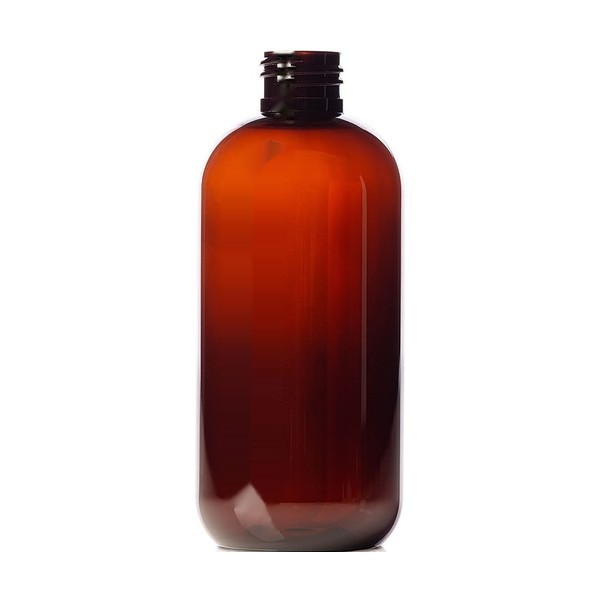 8 oz · 24-410 · PET · Amber
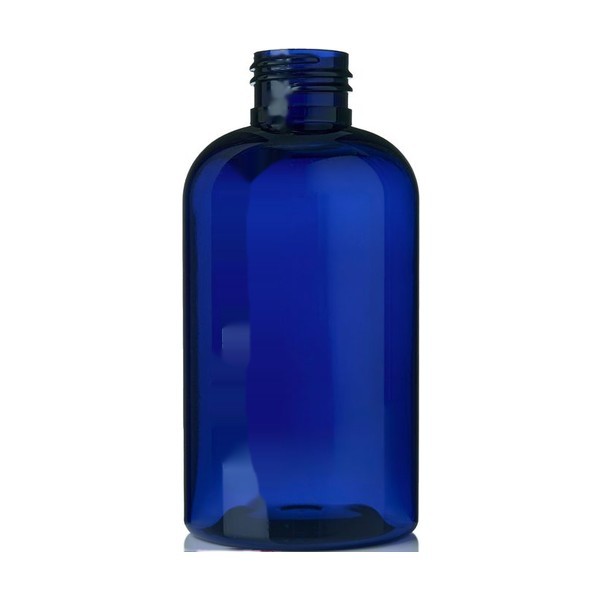 6 oz · 24-410 · PET · Blue
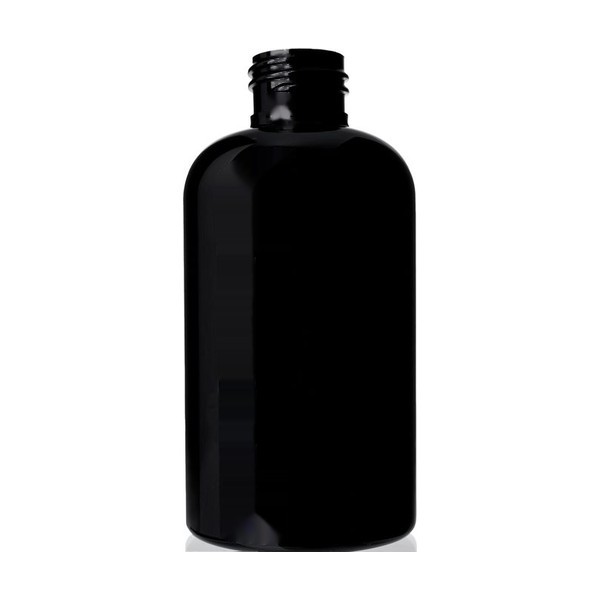 6 oz · 24-410 · PET · Black
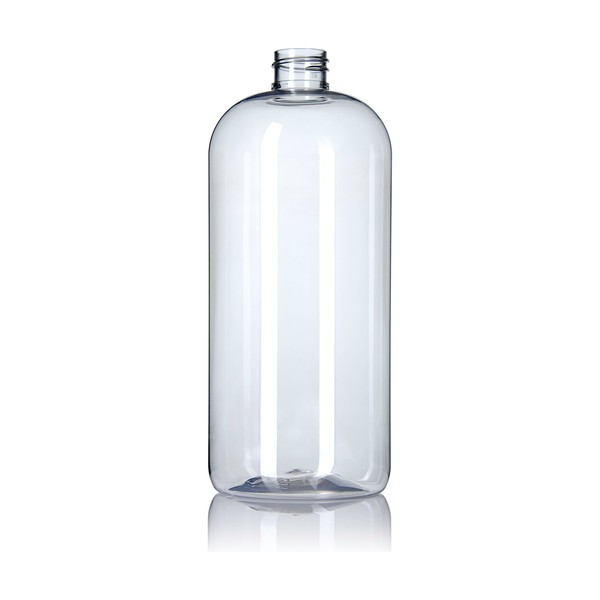 32 oz · 28-410 · PET · Clear
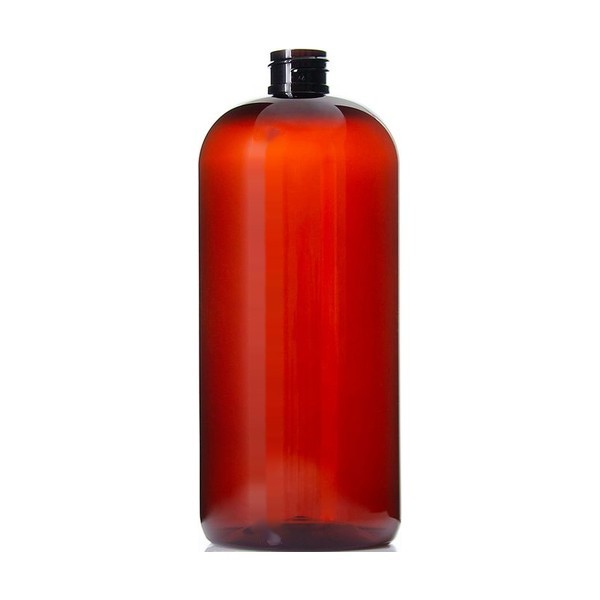 32 oz · 28-410 · PET · Amber
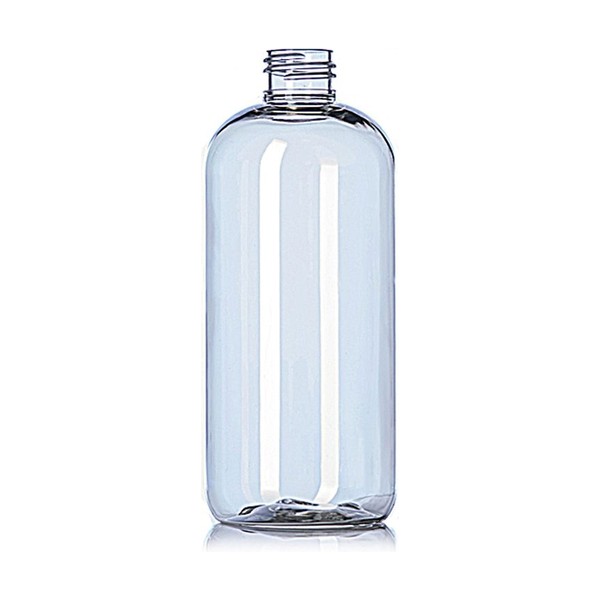 12 oz · 24-410 · PET
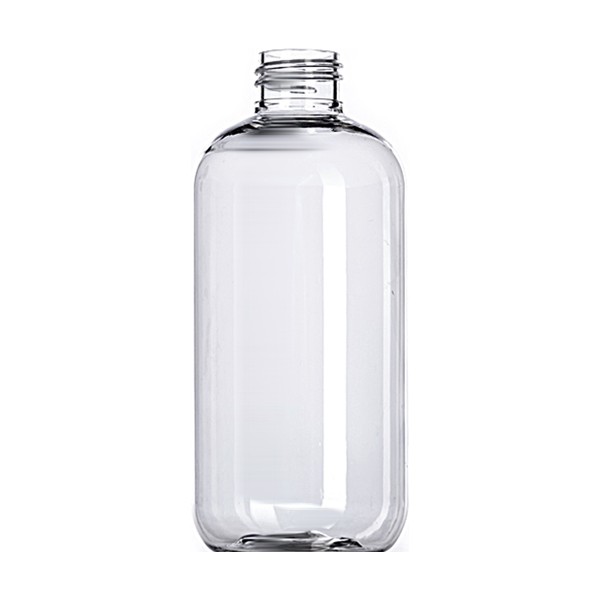 8 oz · 24-410 · PET · Clear
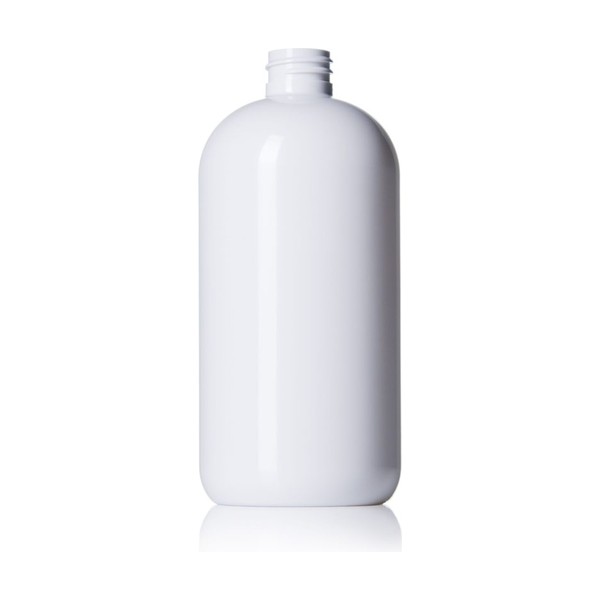 24 oz · 28-410 · PET
References
- eCFR, 21 CFR Part 120, Hazard Analysis and Critical Control Point (HACCP) Systems (sections 120.11 and 120.12), current text, read November 20, 2026. https://www.ecfr.gov/current/title-21/chapter-I/subchapter-B/part-120
- Florida Department of Agriculture and Consumer Services, Division of Food Safety, Kombucha at Retail Industry Guidance, Rev. 7/20, read November 20, 2026. https://ccmedia.fdacs.gov/content/download/65483/file/Kombucha-at-Retail-Industry-Guidance.pdf
- U.S. Food and Drug Administration, Initiation of Voluntary Recalls Under 21 CFR Part 7, Subpart C: Guidance for Industry and FDA Staff, March 2022, read November 20, 2026. https://fda.gov/media/123664/download